Evaluate More Film. Find More Talent.
Video Evaluation turns player film into focused scouting insights, helping coaches identify strengths, areas to develop, position fit and what to watch next.


Video Evaluation turns player film into focused scouting insights, helping coaches identify strengths, areas to develop, position fit and what to watch next.
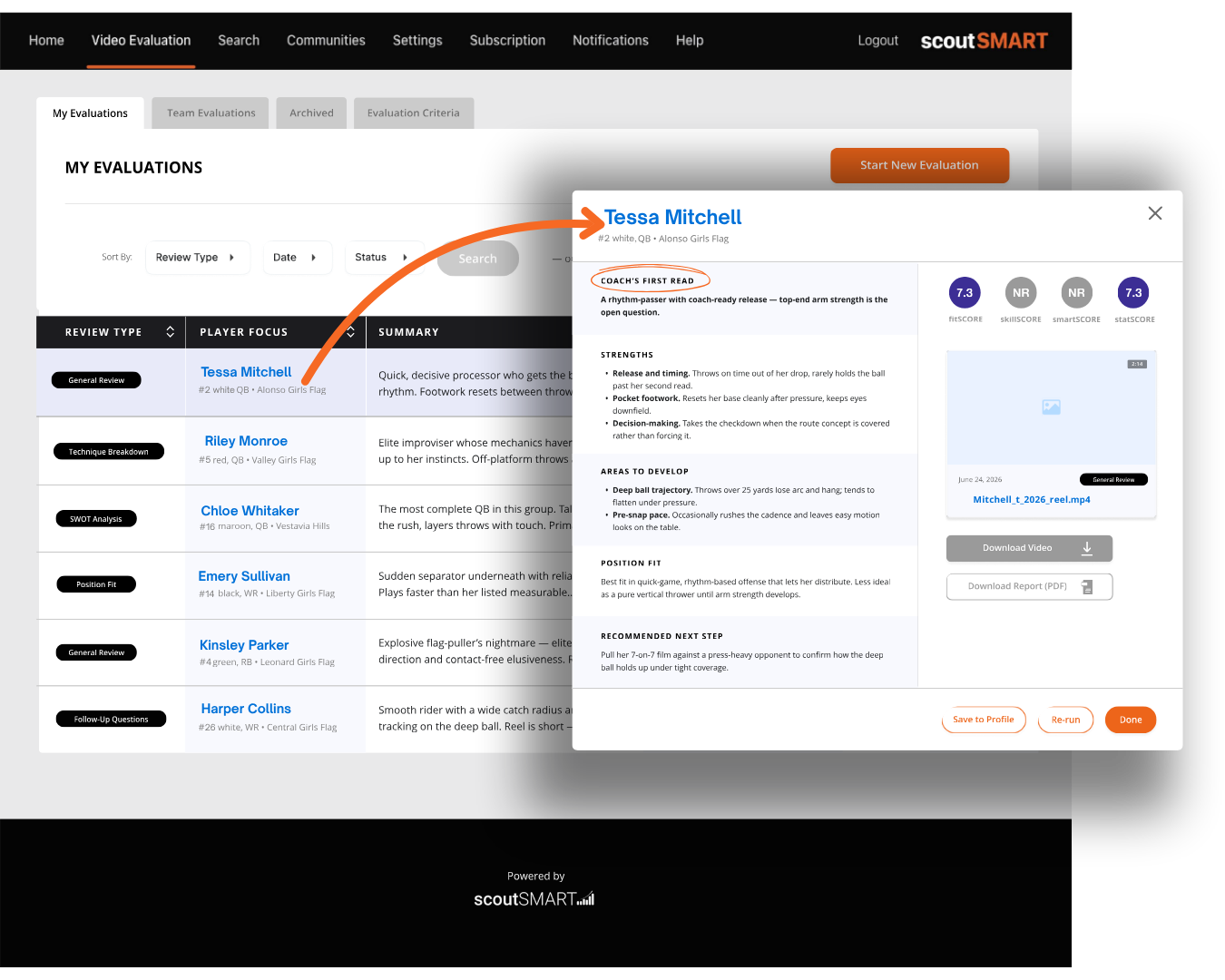
There is more film than a coach has time to watch.
Recruiting has become a video-first process. But when every player sends a highlight reel, the challenge is not finding film. It is finding the information that matters inside it.


You cannot realistically watch every video from start to finish.

Every minute spent scrubbing through film is time away from coaching, recruiting and developing your team.

Sometimes you need to know if a quarterback fits your offense. Sometimes you want technique. Sometimes you want strengths and weaknesses.
University Pages give your coaching staff one place to manage the athletes who are on your radar. Review submitted profiles and film, evaluate prospects, and keep your notes and evaluations connected to each athlete. Instead of letting recruiting information get scattered across emails, links, and spreadsheets, everything stays organized in one place.





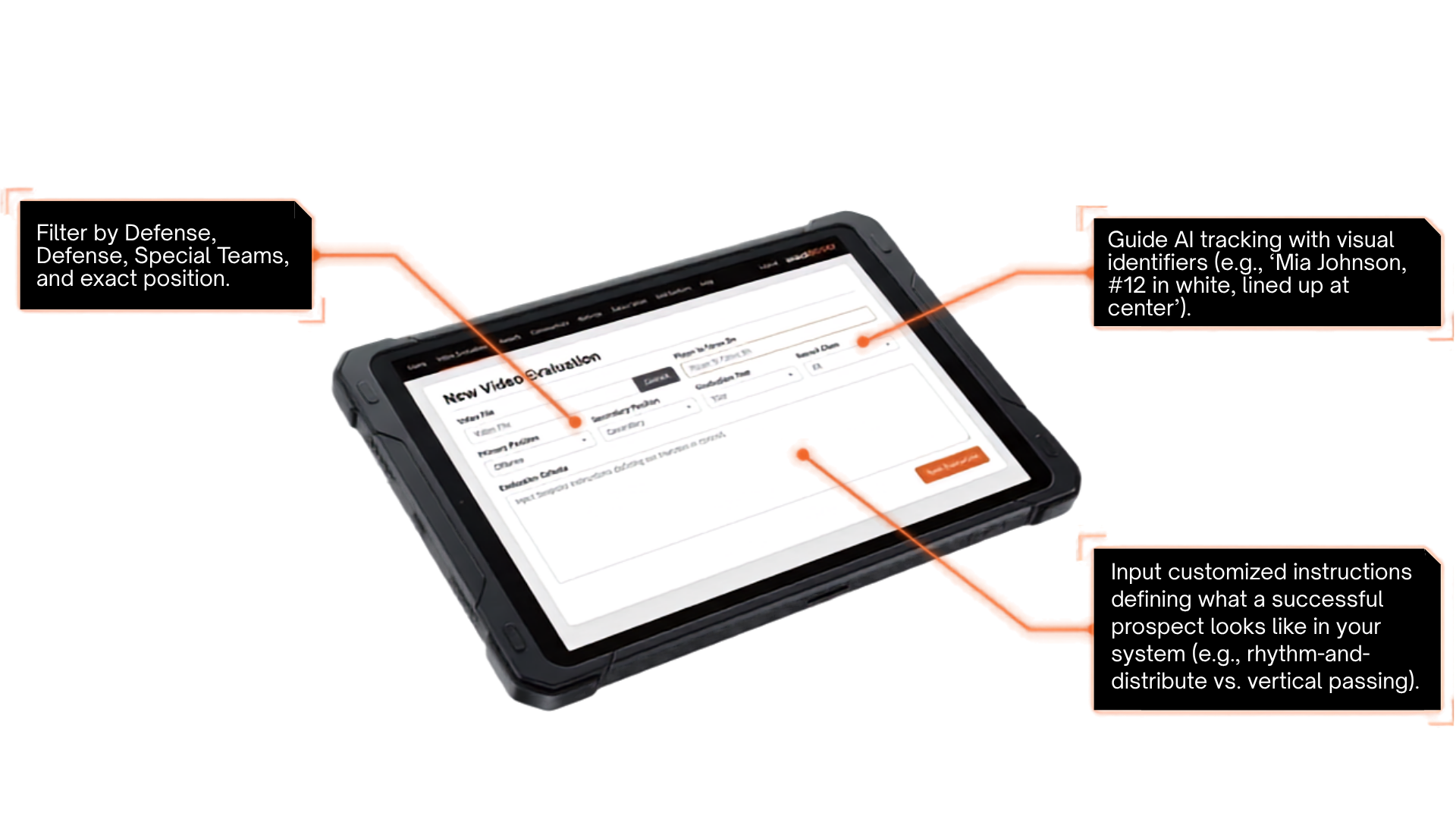
Different coaches look for different things. Tell Video Evaluation what matters to you, and use that criteria to guide the evaluation.
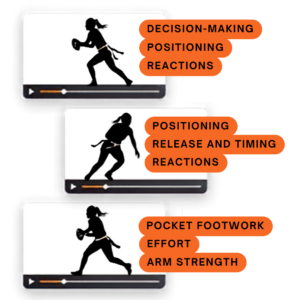
Every coach looks for something different. Video Evaluation lets you define what matters to you, with customizable evaluation criteria based on position and review type. Instead of simply asking for an analysis, you can guide the evaluation toward the skills, techniques, decisions, or traits you want to see, creating a more focused and repeatable scouting process.
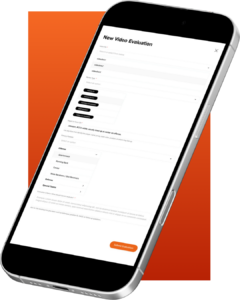
Powered by Gemini, coaches can generate customized, AI-supported evaluations based on specific traits, filtering through large volumes of tape faster than ever.





Athletes upload raw footage. Computer vision automatically identifies plays, removes huddles and stoppages, and generates clean, recruiter-ready clips without the need for traditional editing software.



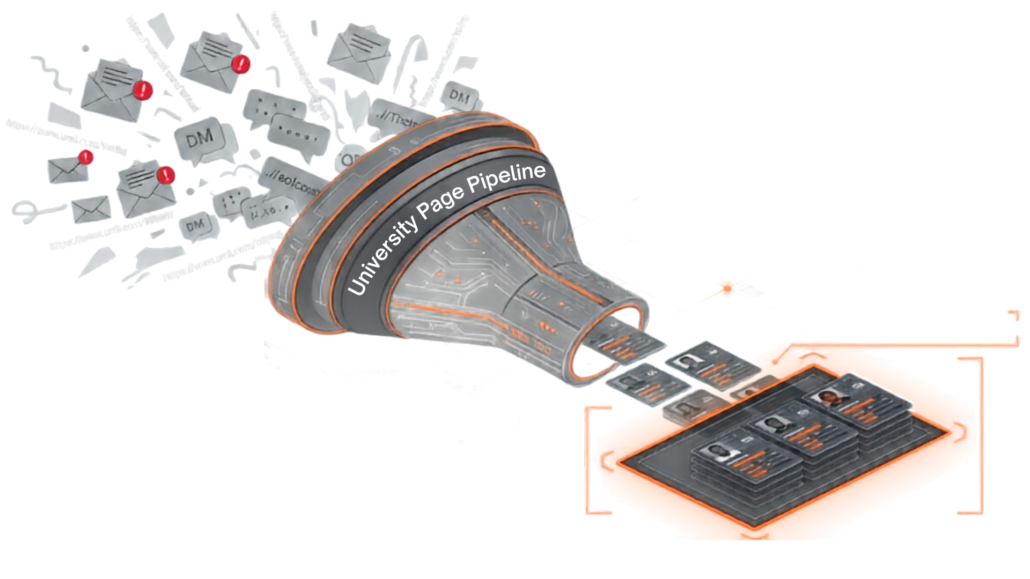
 Eliminates lost links and inbox clutter.
Categorizes every trackable submission by athlete.
Keeps prospect pools 100% private to your coaching staff.
Can’t find the answer you’re looking for? Get in touch with us.
What does the scoutSMART Evaluation Tool do?
It helps coaches review player film using AI-supported analysis guided by the positions, skills, and traits they want to evaluate.
Who is the Evaluation Tool designed for?
It is designed for college coaches and recruiting staff who want a more focused and organized way to evaluate prospective athletes.
How do coaches use it?
Coaches select the position, type of evaluation, and criteria that matter to their program. The tool then reviews the film through that specific scouting lens.
What types of evaluations can coaches request?
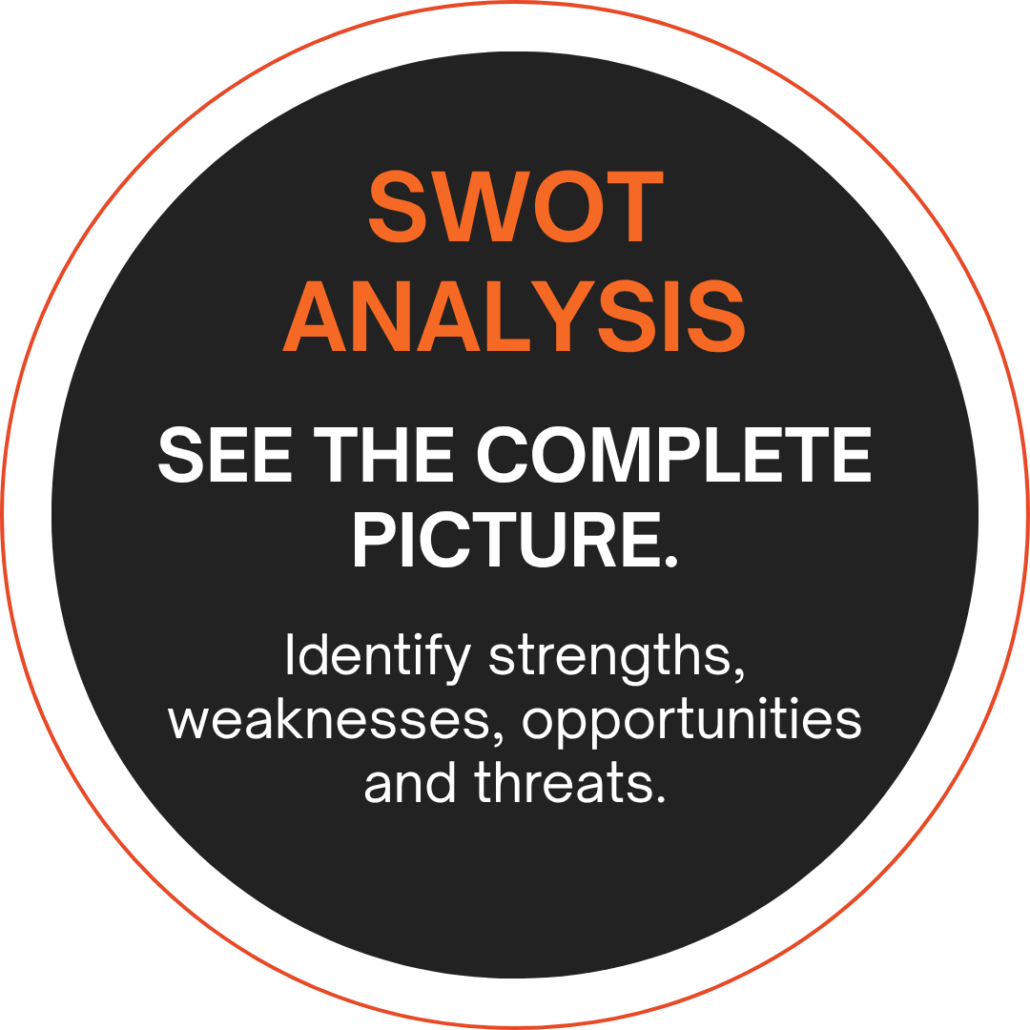
Coaches can request a general overview, technique breakdown, position-fit analysis, SWOT analysis, or follow-up questions to guide further review.
Does the Evaluation Tool replace a coach’s judgment?
No. It provides AI-supported insights to assist with film review. Coaches remain responsible for evaluating each athlete and making recruiting decisions.
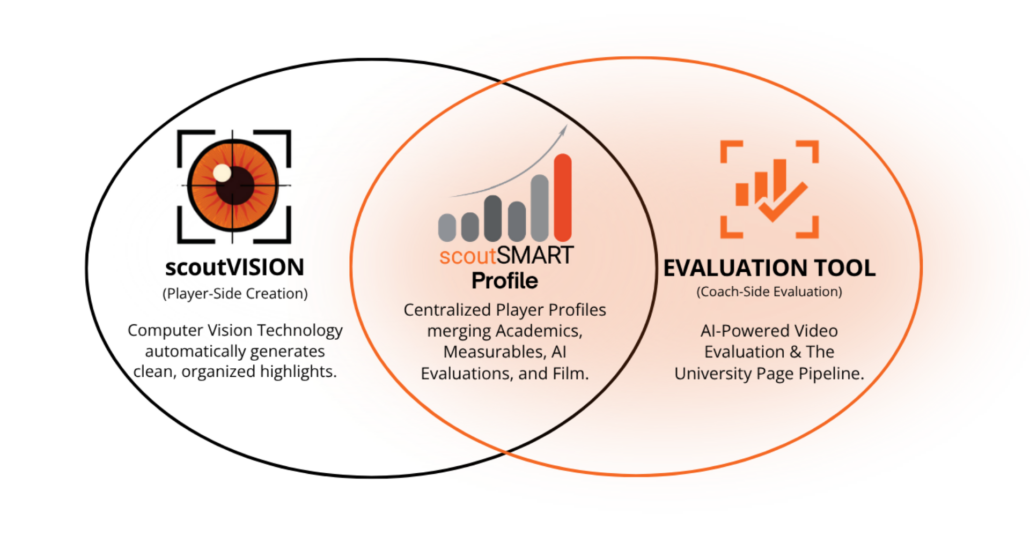
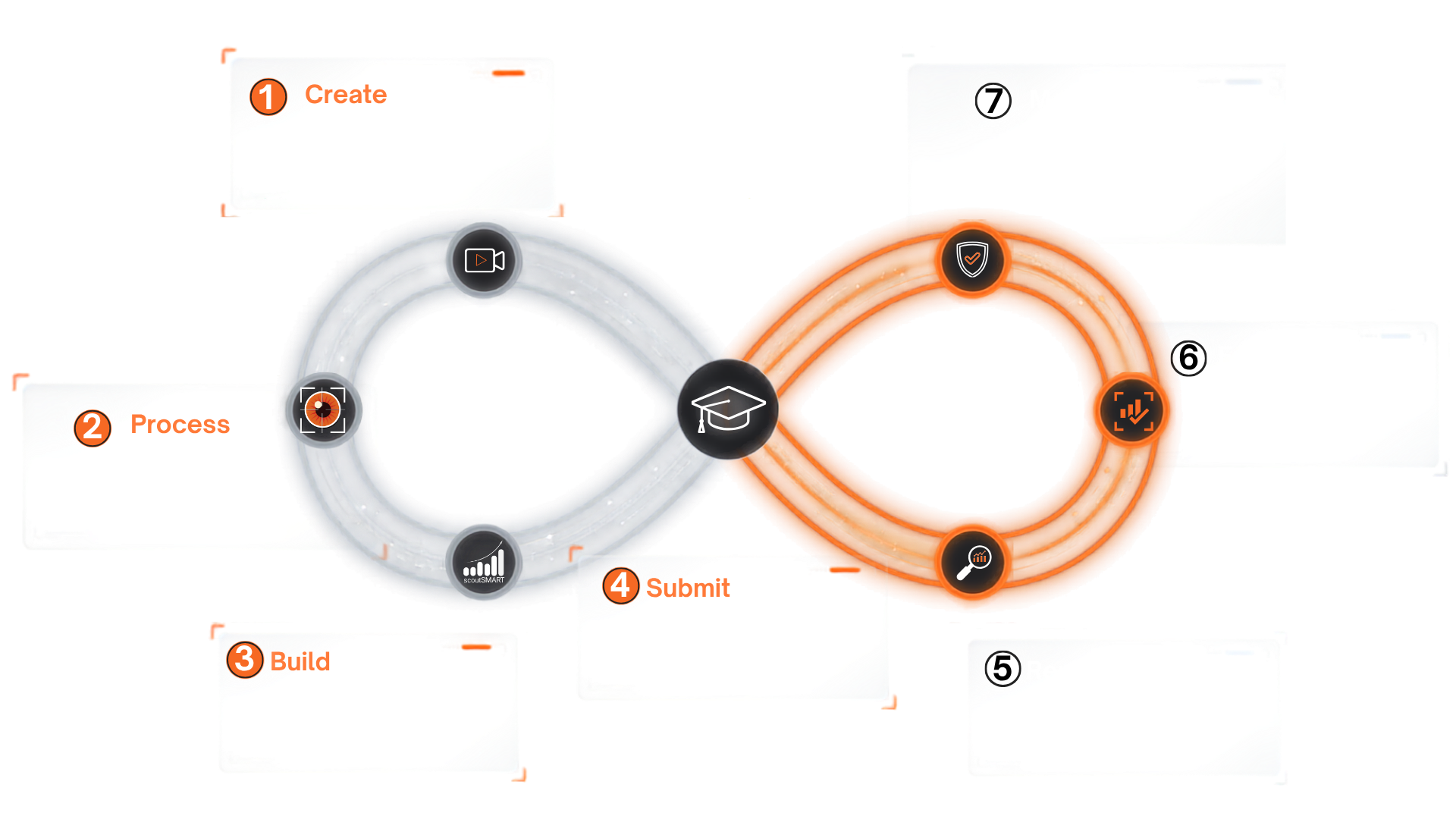
How do scoutSMART, scoutVISION, and the Evaluation Tool work together?
scoutVISION helps turn game footage into focused highlight film. scoutSMART keeps the film together with the athlete’s recruiting information. The Evaluation Tool helps coaches analyze that film using the criteria they select.